How to run in-situ simulation with a phone, a tablet and no manikin budget
You don't need a simulation lab to teach a deteriorating patient. A spare room, a phone, a tablet and twenty minutes of focused prep get you most of the way there.
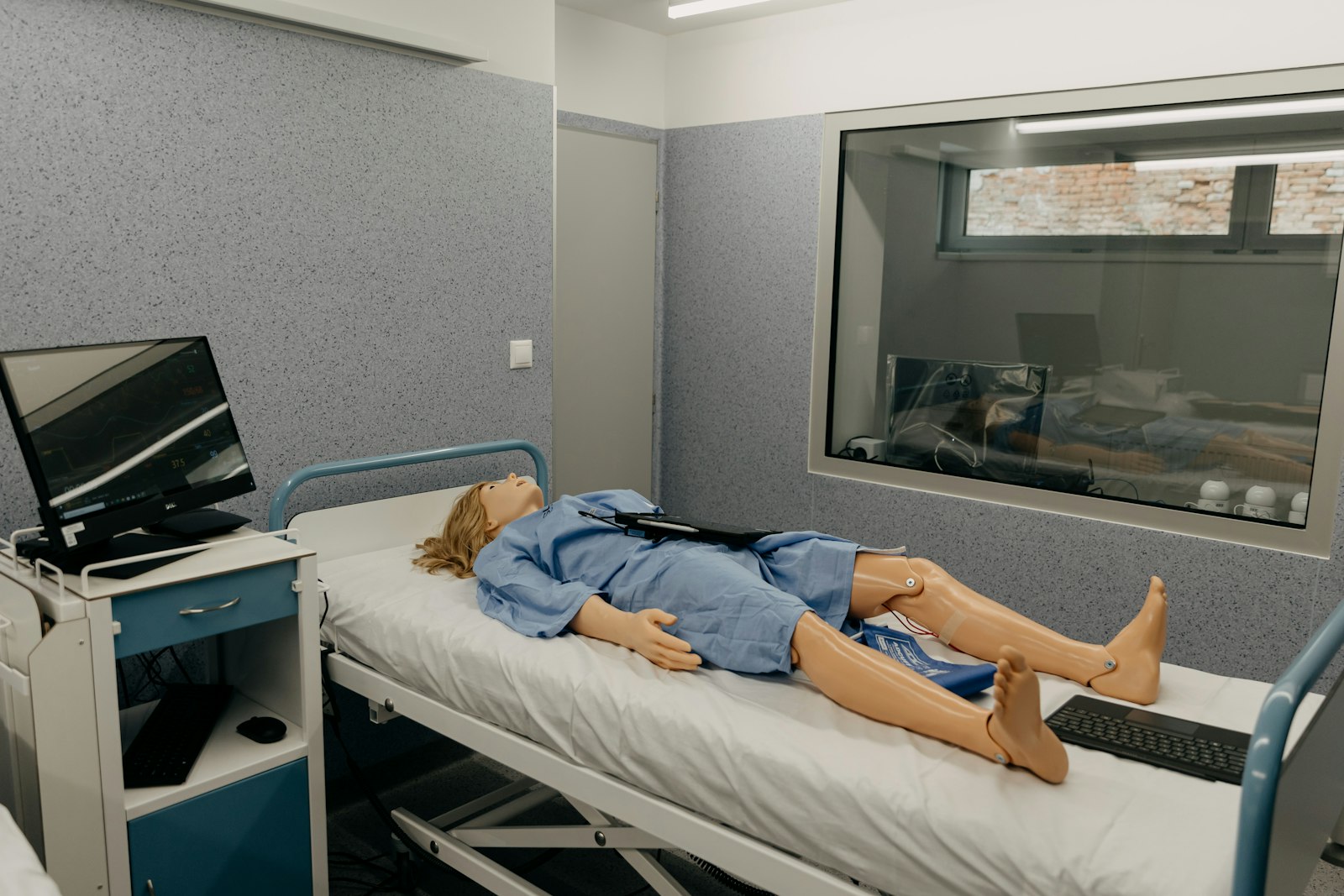
In-situ training is simulation where the classroom already is
In-situ simulation just means running a scenario in the space where care actually happens, or somewhere close enough to it, instead of a dedicated simulation lab. A ward side room, an empty clinic bay, a hallway with a curtain pulled across it. The term sounds academic, but the idea is plain: you can teach a deteriorating patient without booking time in a lab that has a manikin, a control room, and a technician running the console. A phone, a tablet and a bit of planning cover most of what a scenario like this needs to work.
What you actually need
You need a phone and a tablet. The phone is the controller and stays with the instructor. The tablet is the bedside monitor, propped up at the head of the bed or clipped to an IV pole so it's visible from where the trainee is standing. No tablet to hand? A second phone can stand in as the monitor, it's just harder to read from across the bed.
- A room with a door that closes, or a curtain, so the group isn't running the scenario in the middle of a public corridor.
- A bed, gurney, or even a chair with a pillow standing in for the bed.
- A six-digit pairing code, generated on the display and typed into the controller, which connects the two devices over the internet rather than a shared Wi-Fi network, so it doesn't matter if the trainee's device is on hospital guest Wi-Fi and the instructor's is on mobile data.
- Fifteen to twenty minutes of uninterrupted time, including the debrief. The debrief is not optional; running out of time and skipping it wastes most of the value of the exercise.
Pick a scenario that teaches exactly one thing
The most common mistake in an in-situ scenario is trying to cover too much. A blood pressure trending down, a heart rate climbing, an SpO2 reading drifting, and a capnography waveform doing something odd, all at once, gives the trainee four things to notice and no clear signal about which one matters. Pick one deterioration with one teaching point. If the point is recognizing a junctional rhythm, start the patient in sinus rhythm, let the rate drift down on the slider so the trainee watches the heart slow, and then switch to the junctional escape rhythm. The ECG simulator draws it as a rhythm of its own, with no P wave before the QRS and a small inverted P just after it, so it looks like a junctional escape rhythm and not like a slowed-down sinus rhythm with the label changed.
Running the session, step by step
- Brief the trainee on the situation the patient is in, never on the diagnosis. Give them the chart, the chief complaint, the last set of vitals, and nothing about what's about to happen.
- Start the display on a believable baseline before the trainee walks in. A monitor that starts mid-crisis feels staged.
- Hold the change until a natural point in the trainee's assessment, not the moment they walk through the door.
- Let the change unfold at a realistic pace and say nothing. The instructor's job during the scenario is to run the controller, not narrate what's happening.
- Stop cleanly the moment the teaching point has landed, whether that's a correct diagnosis, a called-for intervention, or a missed cue, and move straight into debrief while the moment is still fresh.
The pitfalls that quietly ruin an in-situ scenario
- Running it in a space with foot traffic, so half the group is distracted by someone walking past the curtain.
- Making the "tell" so obvious that the trainee recognizes the pattern from the setup rather than the physiology. A monitor that's suspiciously quiet right up until the one moment everything changes teaches "watch for changes" instead of "read the waveform."
- Cutting the debrief short because the room is needed for something else in five minutes. A scenario without a debrief is closer to street theater than training.
What this setup won't do
A phone, a tablet and a spare room won't replace CPR feedback, a manikin's airway, or a birthing simulator's mechanical parts. This kind of setup is built for one thing: recognizing and responding to changes in vital signs, the part of training that a screen can actually teach well. For hands-on psychomotor skills, you still need the physical equipment. But for the recognition half of the curriculum, the half that usually gets the least practice time because a sim lab is booked solid, a phone, a tablet and a spare fifteen minutes go a long way.
Frequently asked questions
How long does an in-situ scenario take?
Plan for fifteen to twenty minutes including the debrief. Setting up the devices takes under a minute: open the link on both, type the code shown on the monitor into the controller.
Do we need Wi-Fi in the room?
Both devices need an internet connection, but it can be any network or mobile data. They don't have to be on the same network.
Can the instructor run the scenario from another room?
Yes. The devices connect over the internet, so the controller works from anywhere, as long as the instructor can follow what happens at the bedside.
Last updated