Run realistic bedside monitor scenarios with a phone and a tablet, not a manikin
patientmonitorsimulator turns a phone into a training monitor's controller and a tablet into the bedside display, paired over the real internet in seconds. No manikin budget, no software license, no app store.
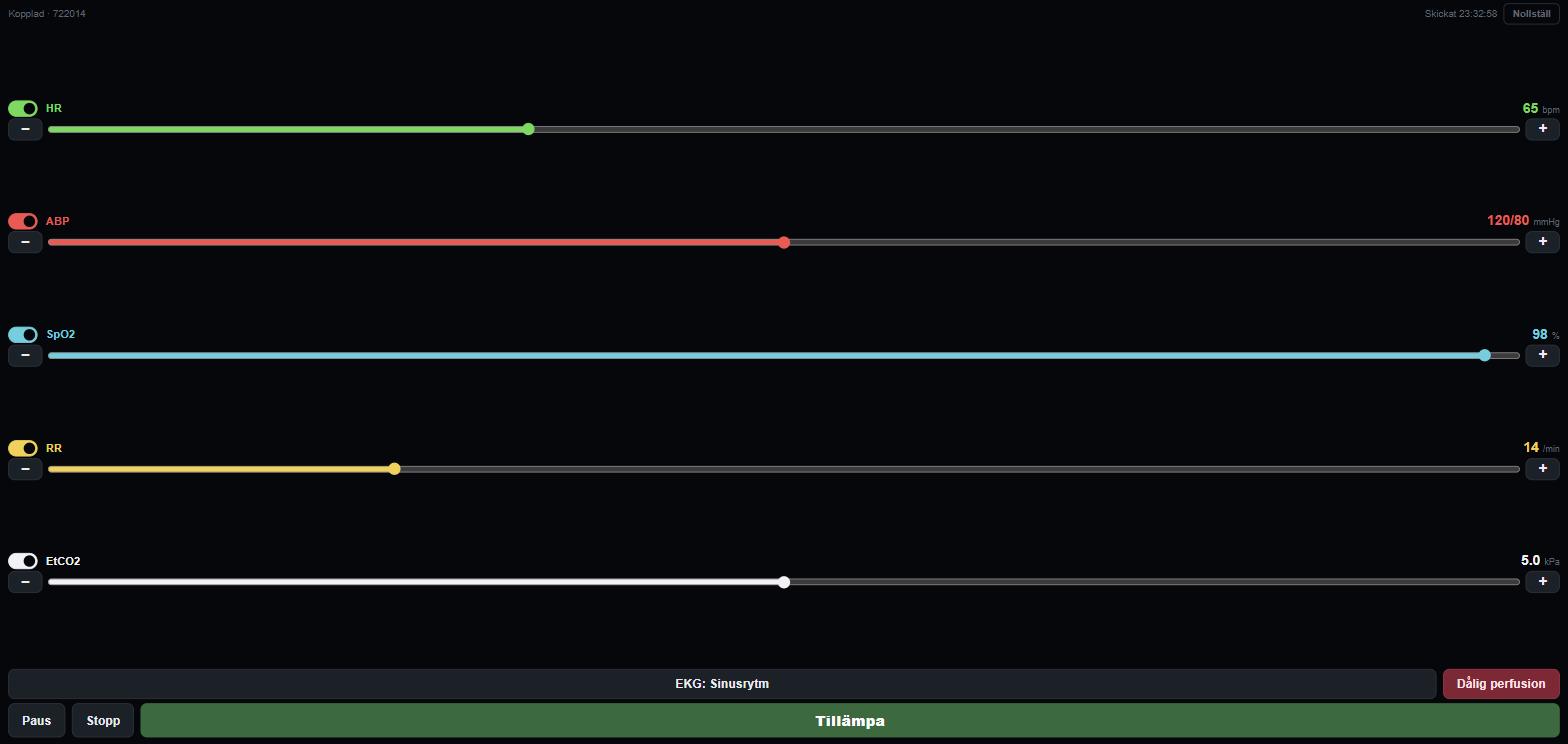
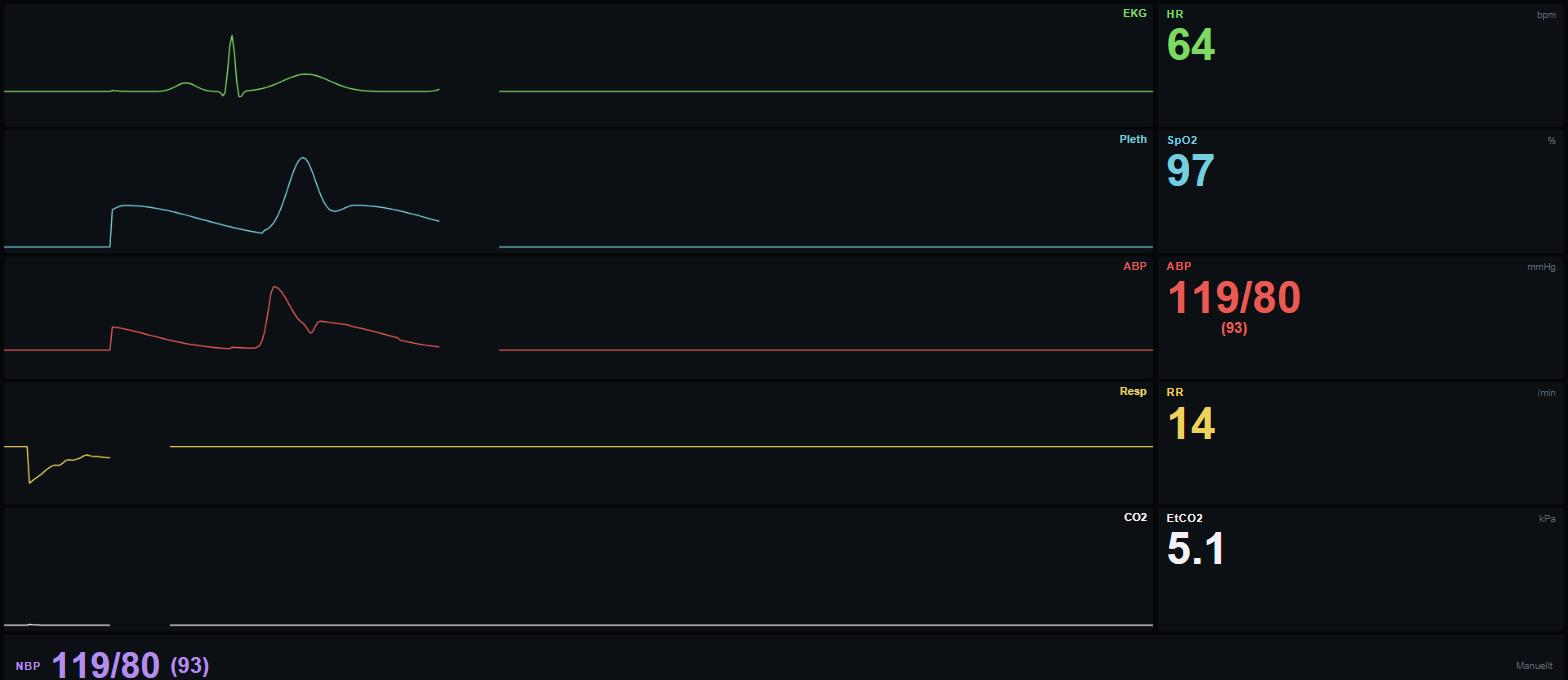
The instructor's phone on the left, the trainee's monitor on the right. Any two devices, anywhere.
Works over the internet, not just local Wi-Fi
A six-digit code pairs the two devices through the cloud, not local Wi-Fi or Bluetooth. The instructor doesn't need to be in the same room, building, or even country as the trainee.
Five live waveforms, twenty-two rhythms
ECG, plethysmograph, arterial line, respiration and capnography all animate in real time, driven by twenty-two distinct rhythms, from a clean sinus rhythm to Wenckebach, VF, asystole and PEA.
The monitor never gives away the diagnosis
Just like a real bedside monitor, the display never names the rhythm on screen. The trainee has to read the waveform, not the label, which is the whole point of the exercise.
Built for how simulation actually happens
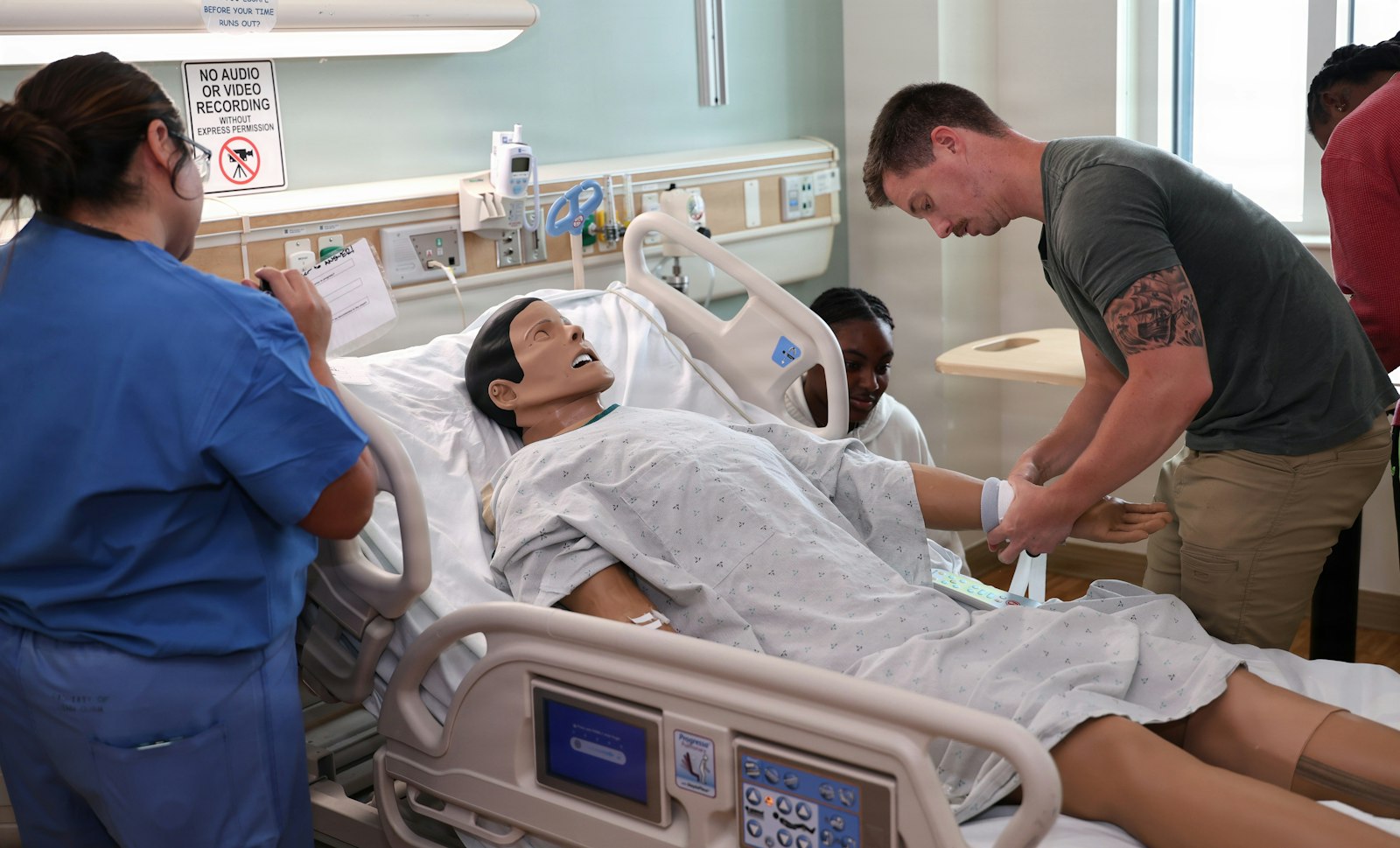
Most scenario training doesn't happen in a purpose-built sim lab with a six-figure manikin. It happens in a spare classroom, a break room, or over a video call with a student who's stuck at home. patientmonitorsimulator is built for that reality: open a link on the display device, open a link on the controller, type in the code, and the scenario is live.
It's already been used this way with around a hundred people in real training exercises. If you don't have a dedicated sim lab, here's exactly how to run a scenario like this with nothing but a phone, a tablet and a spare room.
Every vital sign is switched on individually, so nothing shows on the trainee's screen until the instructor turns it on. Read how each parameter actually behaves on the ECG, arterial line, and capnography pages, or see exactly how patientmonitorsimulator stacks up against other monitor simulators on the comparison page.
Frequently asked questions
What do I need to run a scenario?
A phone for the instructor and a tablet to act as the bedside monitor, both with a web browser and an internet connection. There is nothing to install and no account to create. If you have no tablet, a second phone works as the monitor too, it is just smaller to read.
Is it really free?
Yes. There is no account, no trial period and no payment card. Everything the app does today is free to use.
Do the two devices have to be on the same Wi-Fi?
No. The monitor shows a six-digit code and the controller connects to it over the internet, so the devices can be on different networks, on mobile data, or in different buildings.
Which vital signs and rhythms are simulated?
Five live waveforms (ECG, SpO2 plethysmograph, arterial line, respiration and EtCO2) plus non-invasive blood pressure readings. There are 22 ECG rhythms, from sinus rhythm through AV blocks and pacing to VT, VF, asystole and PEA.
Which languages is it available in?
English, Spanish, French, German, Swedish, Danish, Finnish and Norwegian. EtCO2 is shown in mmHg in the first four and in kPa in the Nordic languages, as on monitors in those countries.
Can it be used to monitor real patients?
No. It is a training tool that shows values an instructor chooses. It is not a medical device and does not measure anything.
Last updated